 English
 Español
 Inquiry
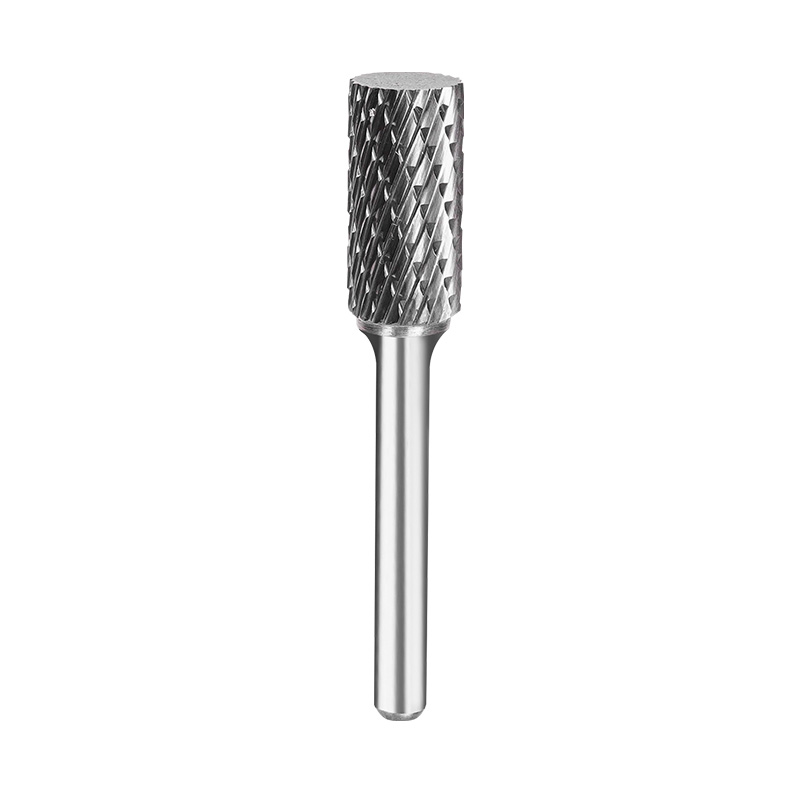
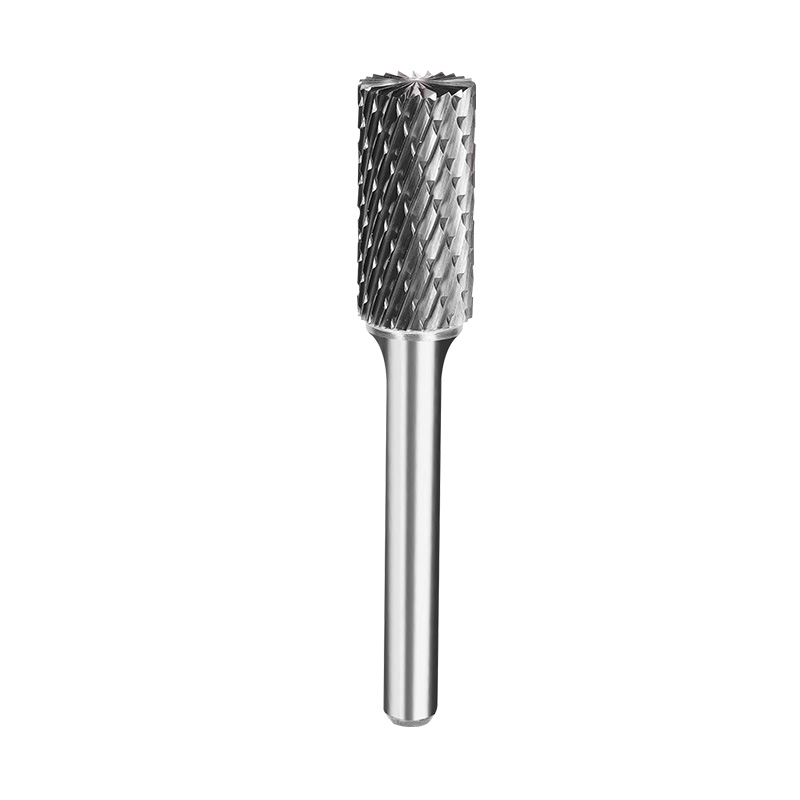
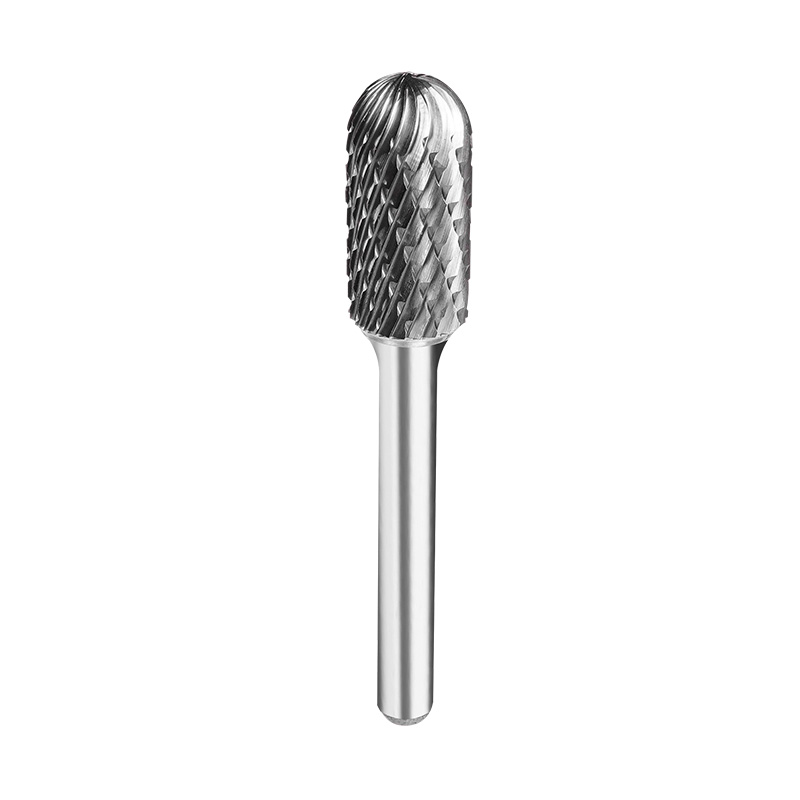
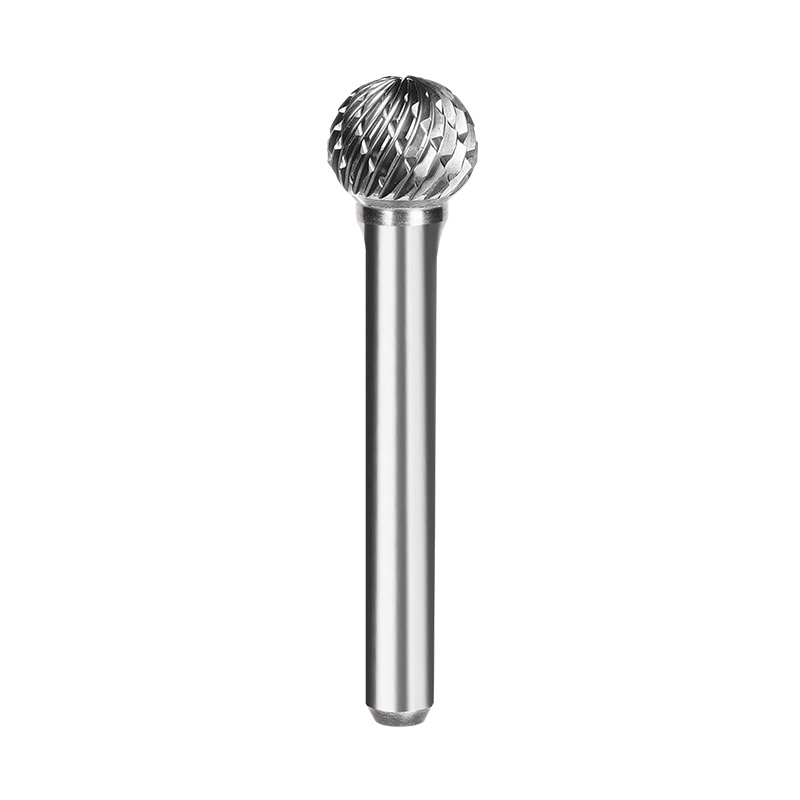
Rotary burrs are workhorses for deburring, grinding, shaping, and finishing metal parts. But when one loses its cutting edge way sooner than expected, operators have to pause production to swap it out. That drives up tooling costs, slows down output, and often leaves behind a rough, uneven finish.
A short service life doesn't automatically mean the tool is low quality. Wrong speed settings, a poor tooth design match, or a loose machine setup can cause the exact same issues. Before you write off a burr as defective, check both the tool itself and how it's being used.
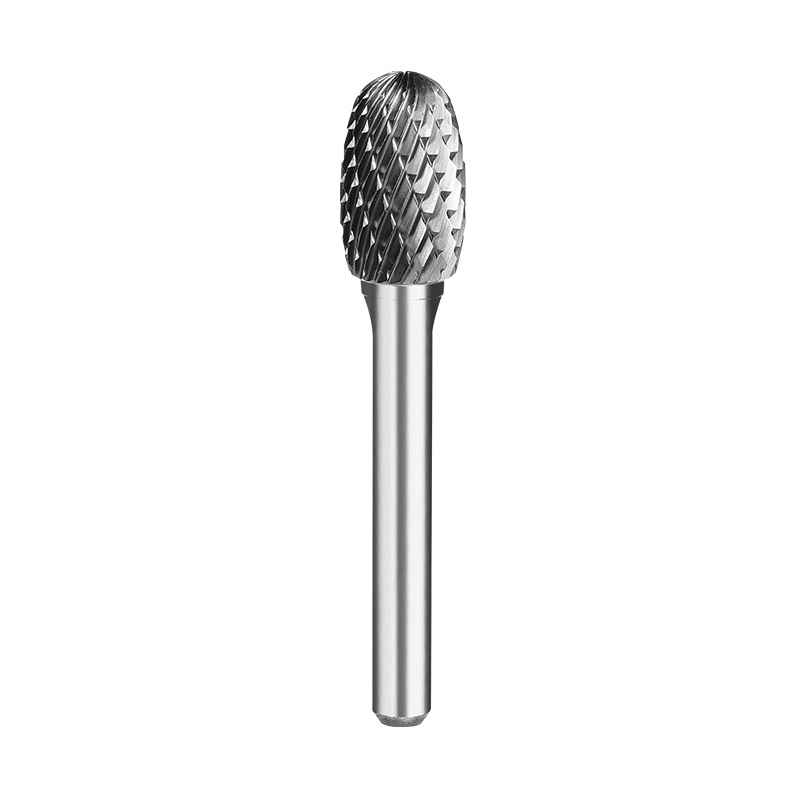
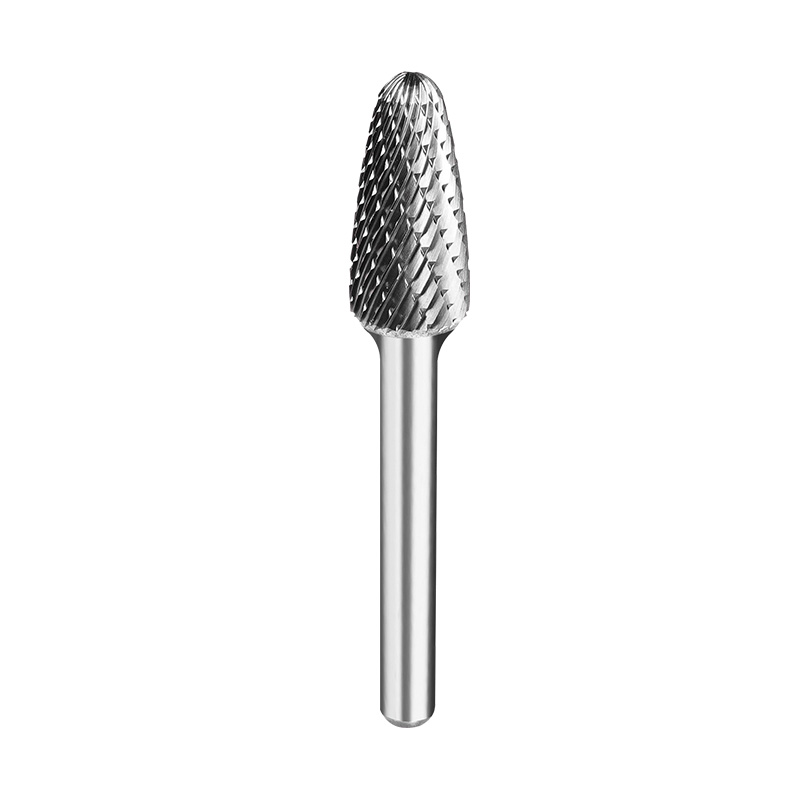
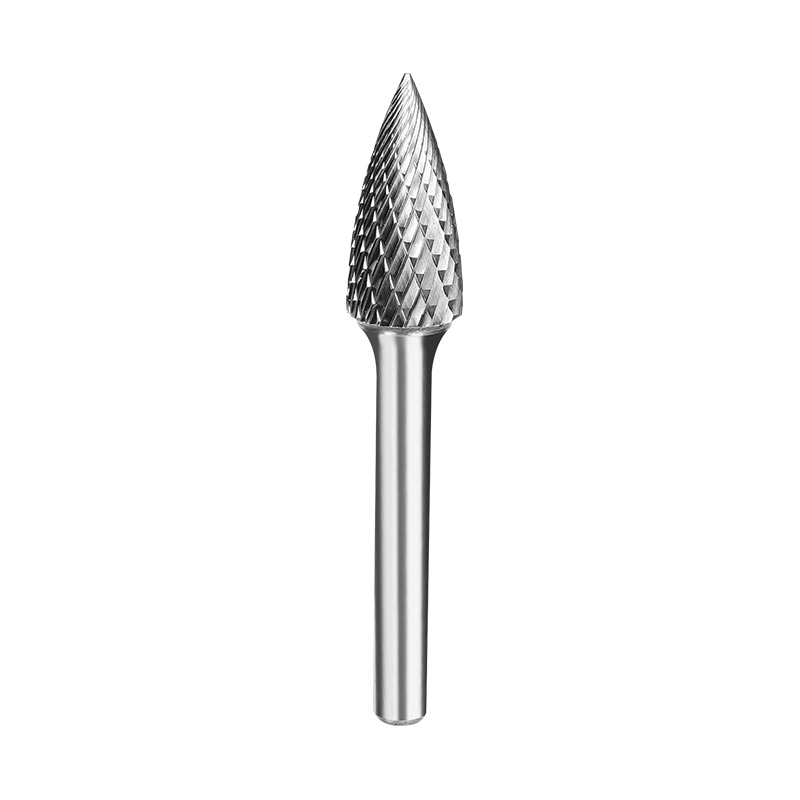
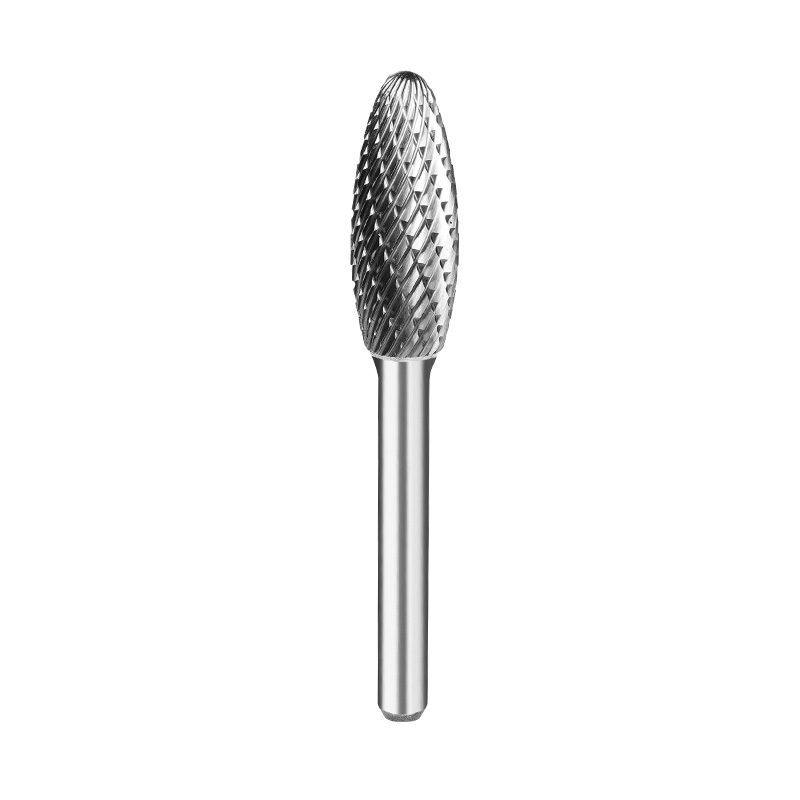
From a rotary files factory's point of view, carbide quality and manufacturing consistency play big roles, but so do the workpiece material and real-world operating conditions.
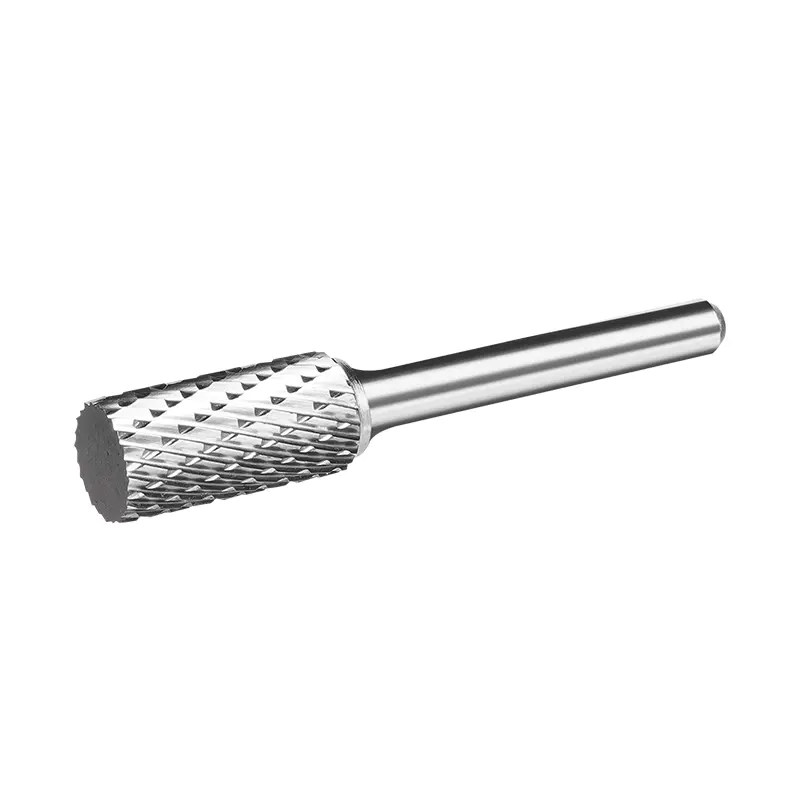
Tungsten carbide is the go-to material for rotary burrs thanks to its hardness and wear resistance, but not all carbide grades are created equal. They differ in composition, grain size, and toughness.
A brittle grade can chip during heavy or interrupted cutting. A grade with lower wear resistance will lose its edge fast on abrasive materials. Picking the right one comes down to the workpiece and the specific task.
Inconsistent carbide blanks or sloppy grinding control can throw off edge sharpness and tool balance. Buyers should ask about material specs and quality checks, not just shop by price. A longer-lasting tool often costs less over time, even if its upfront price is higher.
Operating settings are one of the most frequent culprits behind early wear. Run a burr too fast, and heat builds up fast around the cutting edges—especially if the operator is pushing hard or chips aren't clearing out of the flutes properly. Too much pressure can overload the teeth and lead to chipping.
Going too slow causes problems too. The burr can rub against the surface instead of cutting cleanly, creating friction without removing material efficiently.
The right speed depends on burr diameter, workpiece material, cutting style, and machine capacity. Larger burrs generally need lower rotational speeds. Stick to the manufacturer's recommended range and use steady, even pressure. If the burr heats up quickly or cuts roughly, your settings are probably off.
Flute and tooth design directly impacts how the burr cuts and how well it clears chips. Single-cut burrs are usually the pick for general cutting and controlled finishing work, while double-cut designs produce smaller chips and give you more control. For soft metals like aluminum, you need a geometry that keeps chips from packing tight into the flutes.
If the design is a bad match for the workpiece, chips build up between the teeth. The burr then rubs instead of cutting, cranking up heat and killing efficiency.
| Workpiece material | Common wear problem | What to consider |
|---|---|---|
| Aluminum and other soft metals | Chip buildup and clogged flutes | Choose geometry that clears chips easily |
| Stainless steel | Heat buildup and edge wear | Use suitable geometry and controlled speed |
| Carbon steel | Edge wear or chipping | Match carbide grade and tooth design to the load |
| Cast iron | Abrasive wear and edge damage | Select a suitable cutting style and avoid excess pressure |
| Hardened materials | Rapid wear or chipped teeth | Check that the burr is rated for the material's hardness |
These are just general guidelines, of course. Material grade, hardness, machine setup, and burr design all play into the final result.
Heat builds up when you run the burr too fast, let it sit in one spot too long, or force it into the workpiece too hard. Poor chip removal just makes it worse. Higher temperatures speed up wear, and when heat pairs with heavy loading, teeth can chip or even break.
Stick to recommended speed and feed rates, keep the burr moving, and make sure chips have room to escape. Follow the manufacturer's guidance on cleaning and cooling practices too.
Sometimes the burr itself isn't the problem at all. A worn collet, wrong shank size, loose clamping, or excessive spindle runout can make the tool vibrate.
A wobbly burr puts uneven force on its teeth, causing spotty wear, chipping, and a rough finish. Before you order a whole new batch of burrs, check the collet and spindle for dirt, wear, or damage. Make sure the shank fits right and is clamped per the manufacturer's instructions.
Never exceed the rated speed, and never use a burr with a damaged shank. An unstable setup shortens tool life and creates a safety risk on top of that.
Manufacturing consistency makes a bigger difference than you might think. Flute shape, edge sharpness, concentricity, and carbide quality all shape how a burr performs. If production controls are loose, tools from the same order can perform wildly differently.
A solid rotary files factory inspects key dimensions and production steps—runout measurements, flute checks, and sample testing, for example. Bulk buyers can test a handful of tools from one batch under normal conditions to check consistency.
Specs should list diameter, shank size, length, cutting style, carbide grade, and speed range. Clear details make repeat orders easier to match to original samples.
Getting more life from your burrs boils down to a few basics. Match the tool to the workpiece and task. Stick to recommended speeds, apply steady pressure, and check the machine if you see vibration or rough cuts. Pressing harder doesn't remove material faster—it just wears the tool out sooner.
Wear patterns offer clues, too. Rounded edges usually mean normal gradual wear, while chipped teeth may signal impact, excess pressure, or a mismatched carbide grade. Clogged flutes often point to wrong geometry or poor chip removal.
Log material, settings, run time, and reason for each tool change. These notes spot recurring issues and help buyers compare suppliers on real performance, not just price.
Rotary burrs can wear out prematurely for all kinds of reasons: carbide grade mismatch, wrong flute geometry, excess heat, off-target settings, or machine vibration. Swapping in a new tool without tracking down the cause just means you'll keep running into the same extra costs.
A capable rotary files factory will give you clear specs, consistent production, and practical advice for picking the right burr. Checking both the tool itself and the conditions it's working in cuts down on unnecessary replacements, keeps tooling costs in check, and helps you get consistent results batch after batch.
Cooperate with us now
contact Us
Characteristic Industrial Park, Furong Town, Yueqing City, Zhejiang Province, China.
+86-13757799073
+86-13587713956

Wholesale Carbide Rotary Burs Factory